A design editor that
finishes the job
in CMYK.
Print production should not need legacy desktop software. The unusual part is not the canvas. It is what happens when you press export.
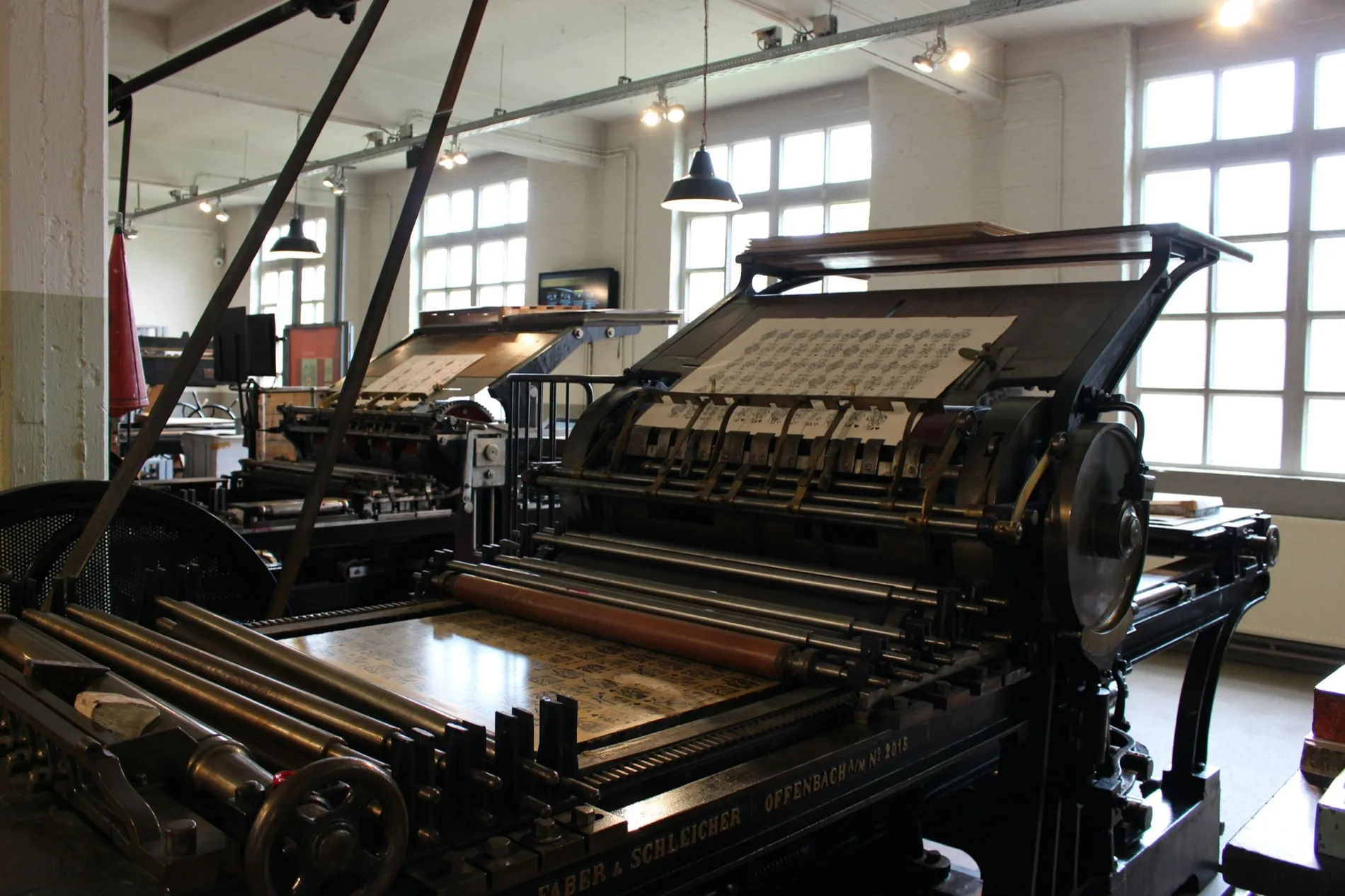
Every browser design tool draws in RGB and hands the problem of colour to somebody downstream. Ours does not. Colour, separations, overprint and the PDF/X-4 packaging are handled by our own print engine, inside the same tab you drew in.
That means ICC profiles and ink limits are honoured rather than approximated, spot colours stay spot colours, and the die line leaves on its own plate instead of being drawn in black and explained in an email.
What leaves the export dialog is a production file rather than a hopeful one.
The test is boring and it is the whole product. The job does not come back to be fixed.
The formats nobody
wants to learn.
This is the boring hard part, and it is the only part that is difficult to copy. We learned it so the person drawing does not have to.
Four things that
used to come back.
None of these are exotic. They are the ordinary work that a wrong file turns into a phone call.
A cut contour on its own plate, so the cutter follows the drawing instead of a guess.
Consistent colour across a document nobody wants to reprint.
Variable data and a barcode that scans on the first pass.
Spot and overprint handled at export rather than at the press.
Open it and draw
something.
Nothing to arrange with us first. The export dialog is the part worth judging, so go straight to it.